Paste the section. Keep your classes.
The same section in Webflow, Figma, and code, on the classes the site already has. Built for teams comparing Relume, Flowbase, BRIX, and other Webflow component kits. A button named button stays button.
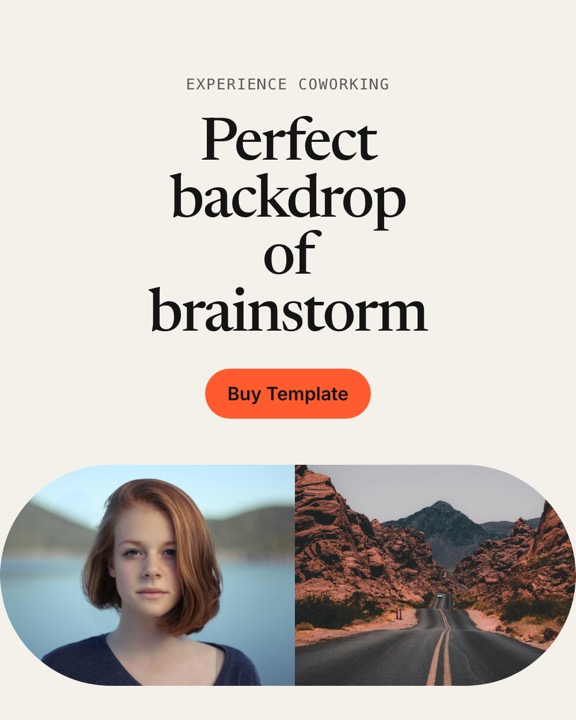
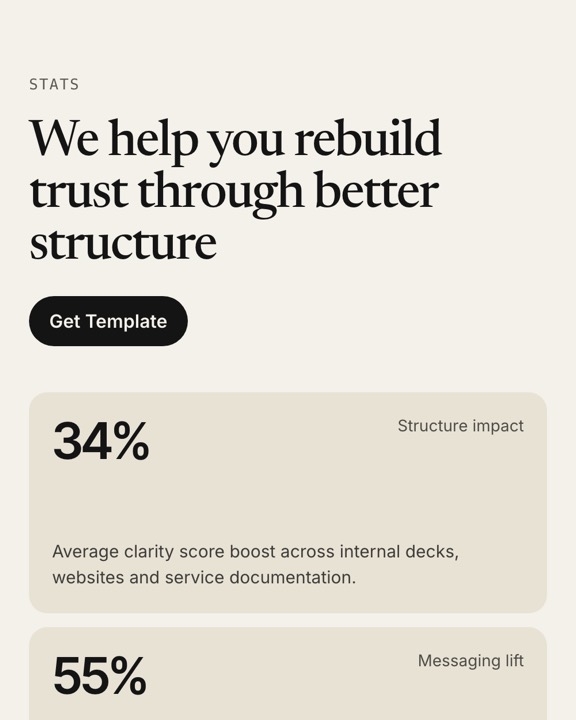





Ten of the 250
Rendered from the same specs you copy. Open a frame to see its props, variants, and every output.
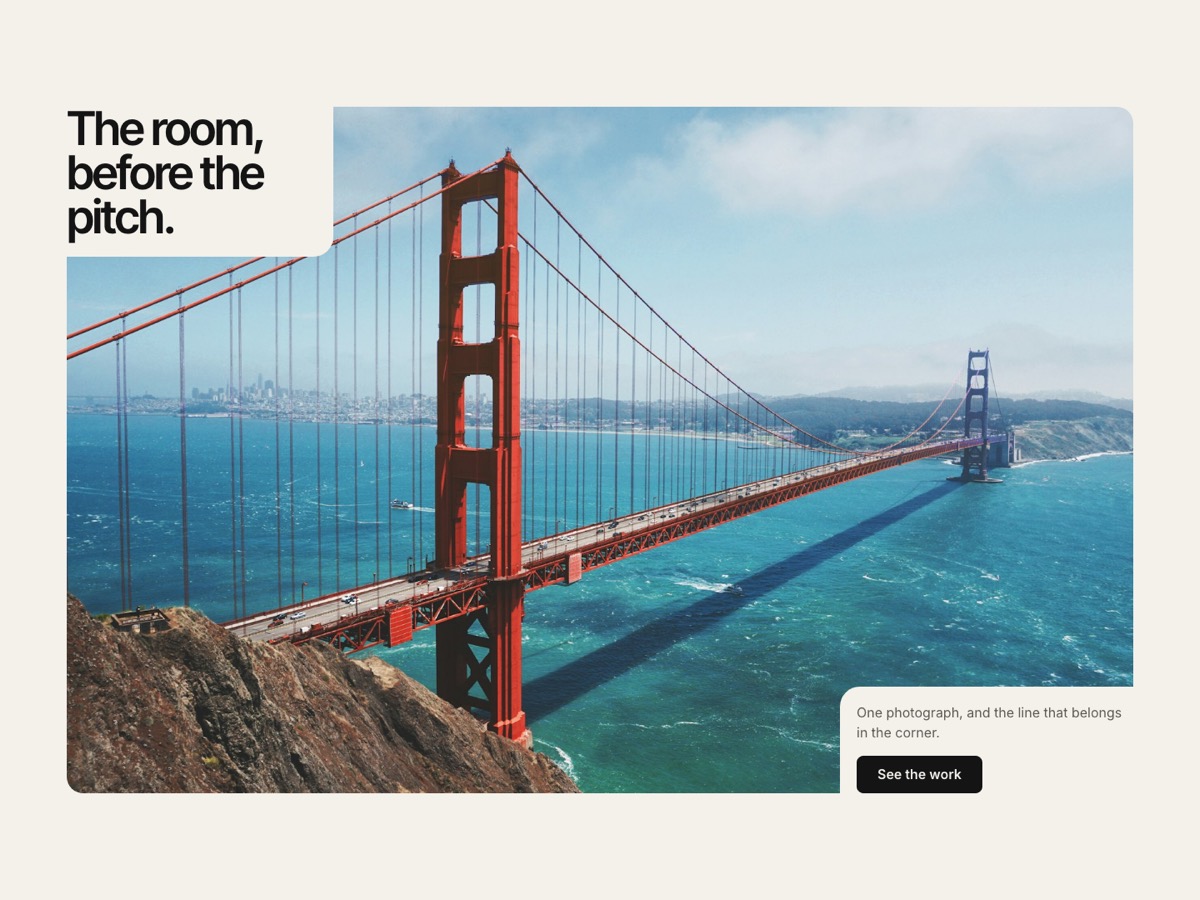
Hero / Notch bleed
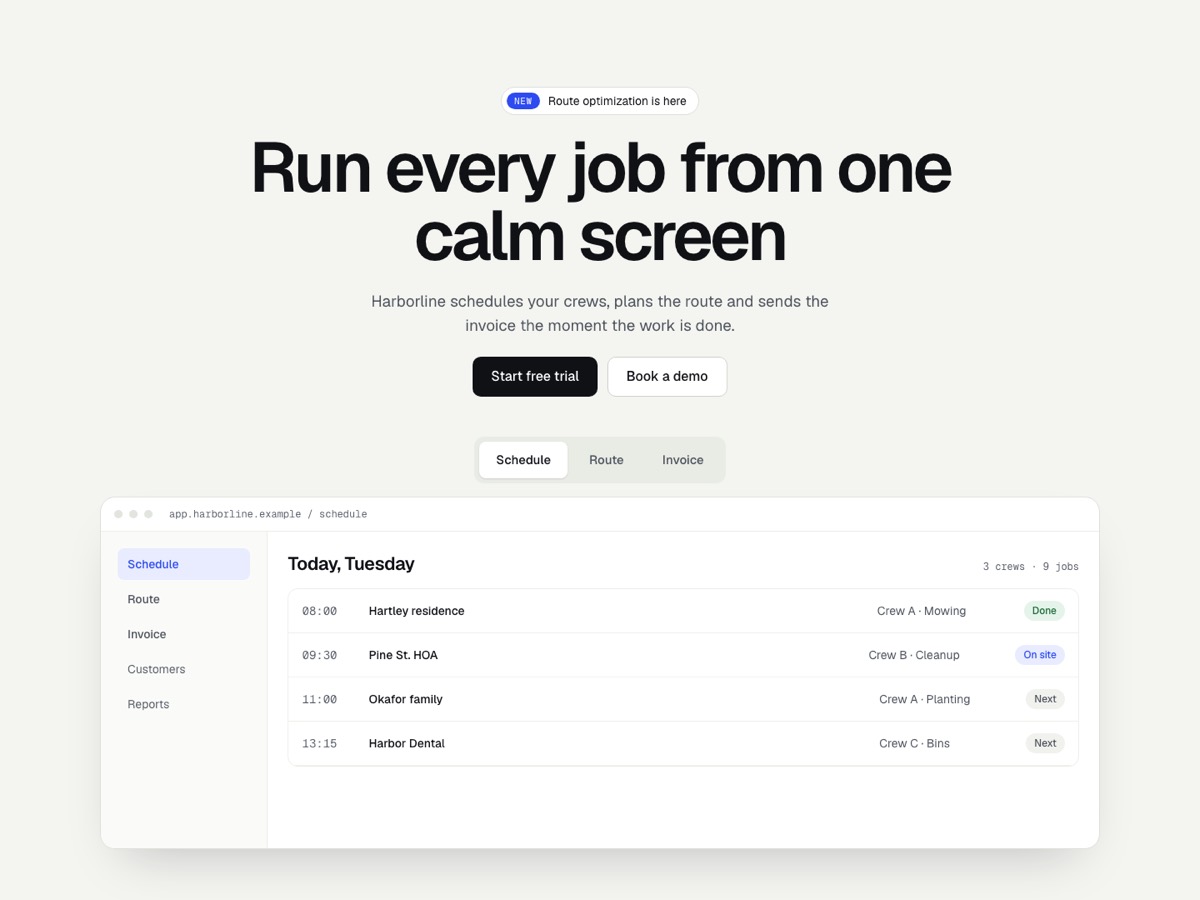
Hero / Product tour
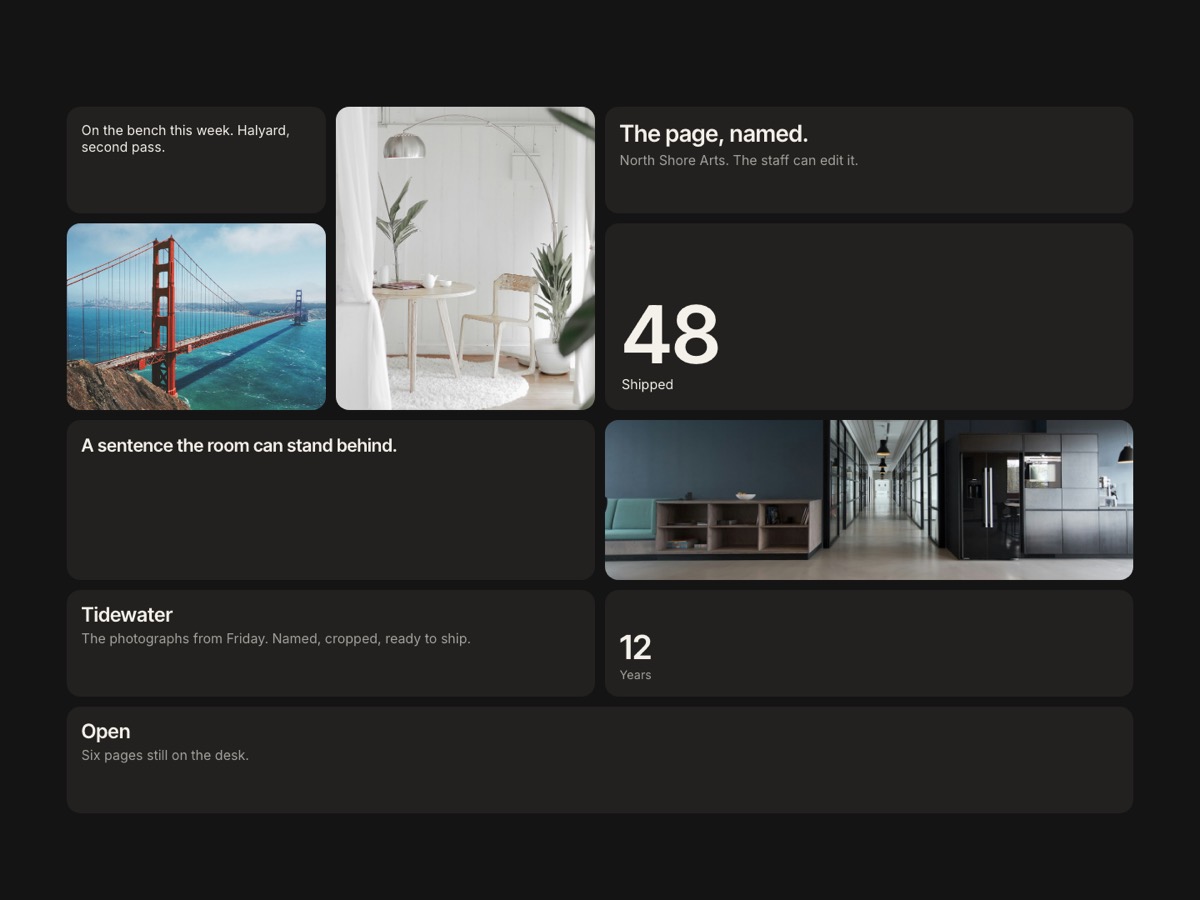
Bento / Mosaic
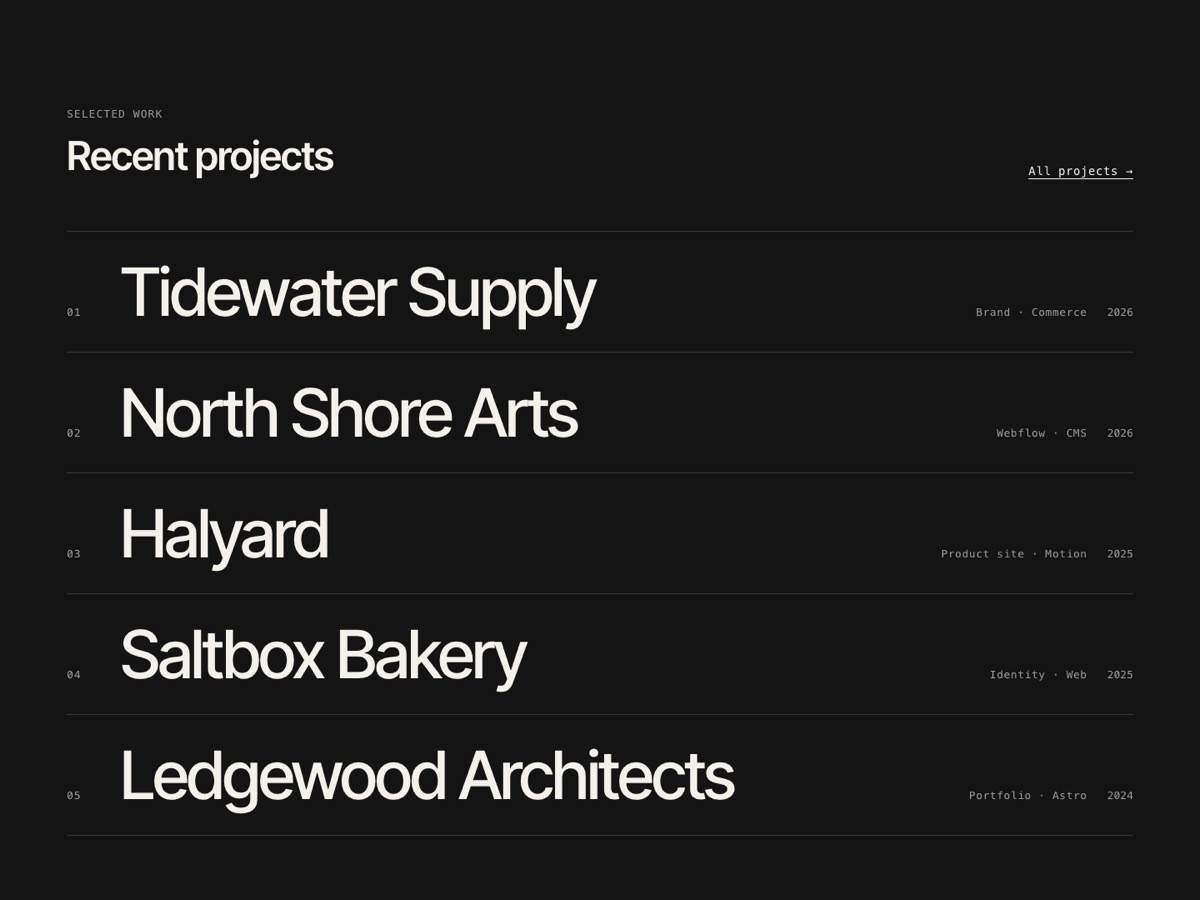
Work / Hover-Reveal Index
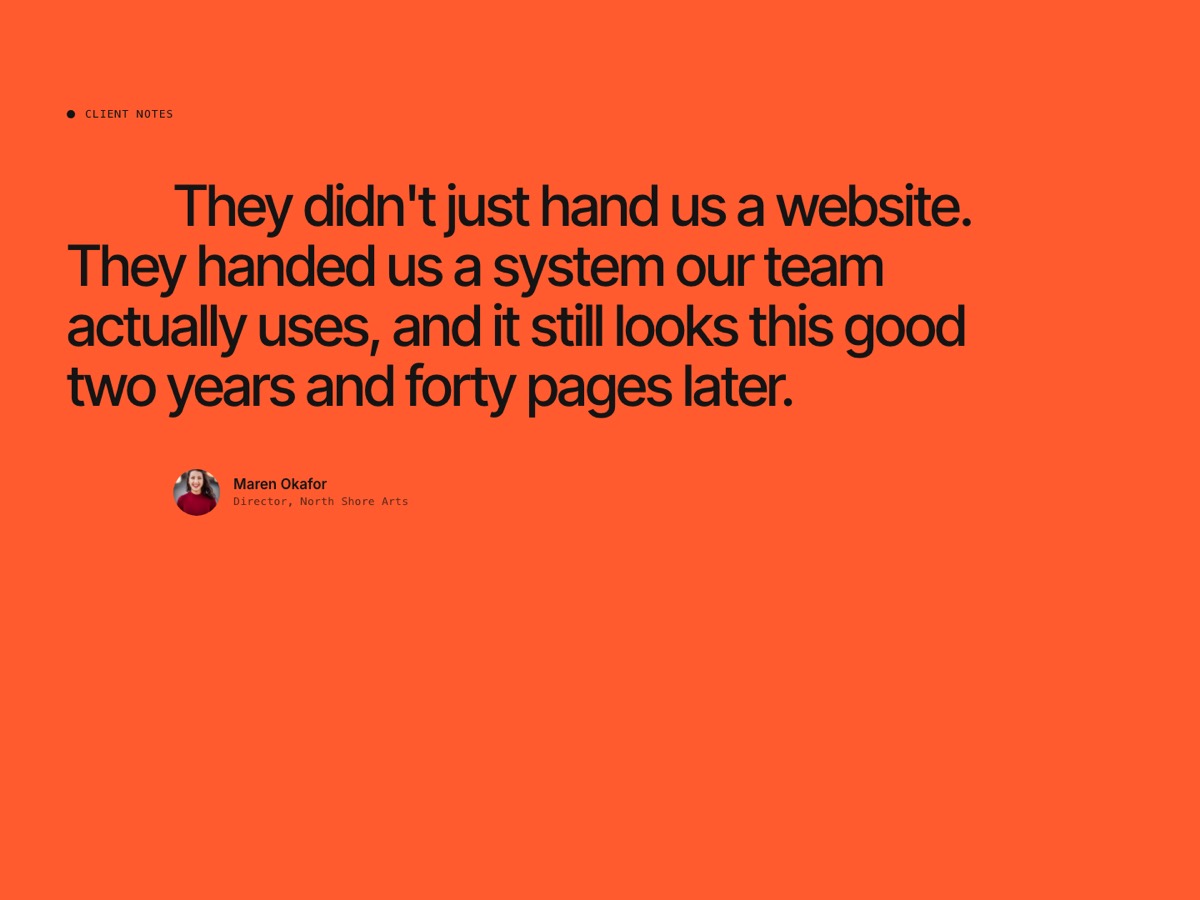
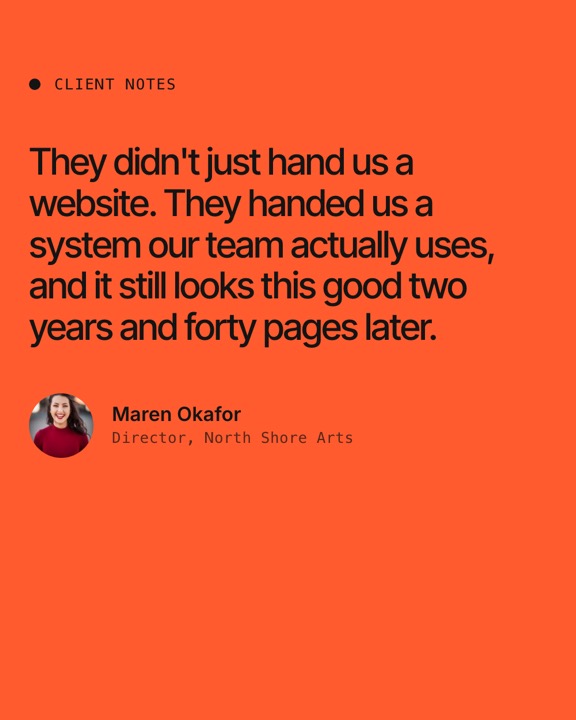
Testimonial / Scroll-Highlight Quote
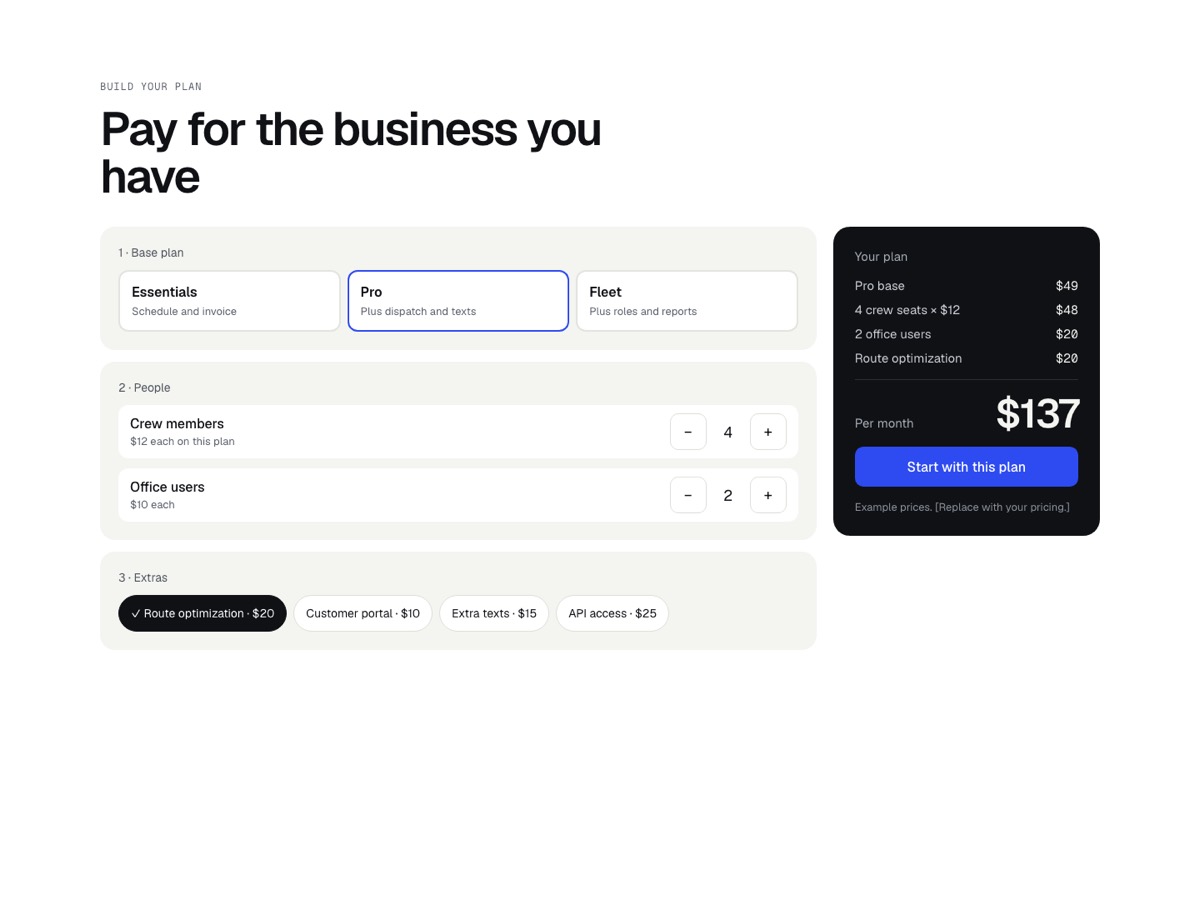
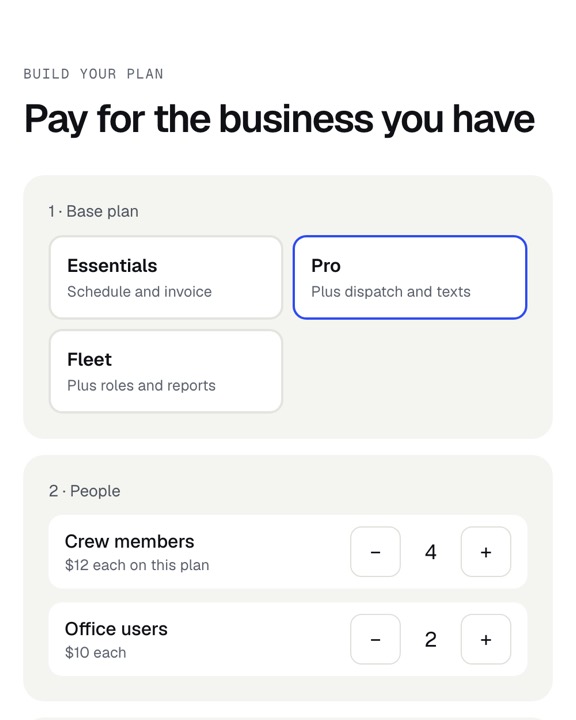
Pricing / Plan builder
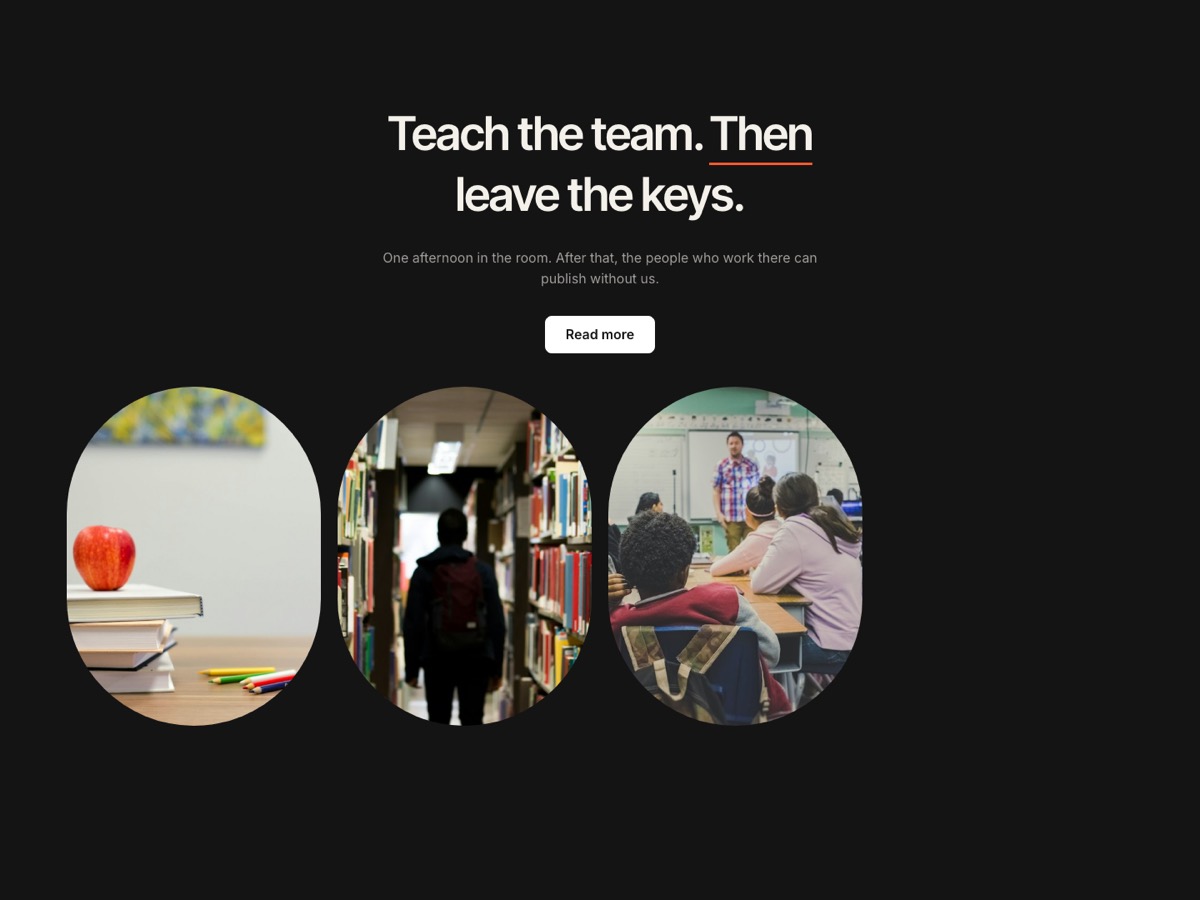
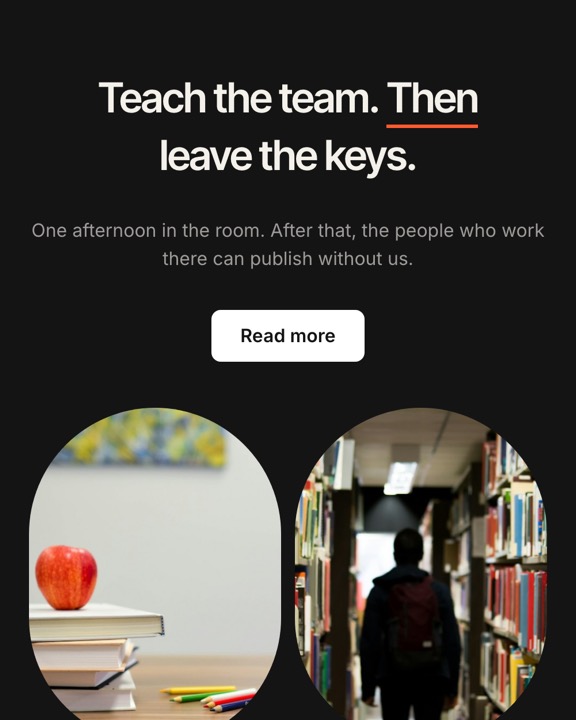
Hero / Oval row
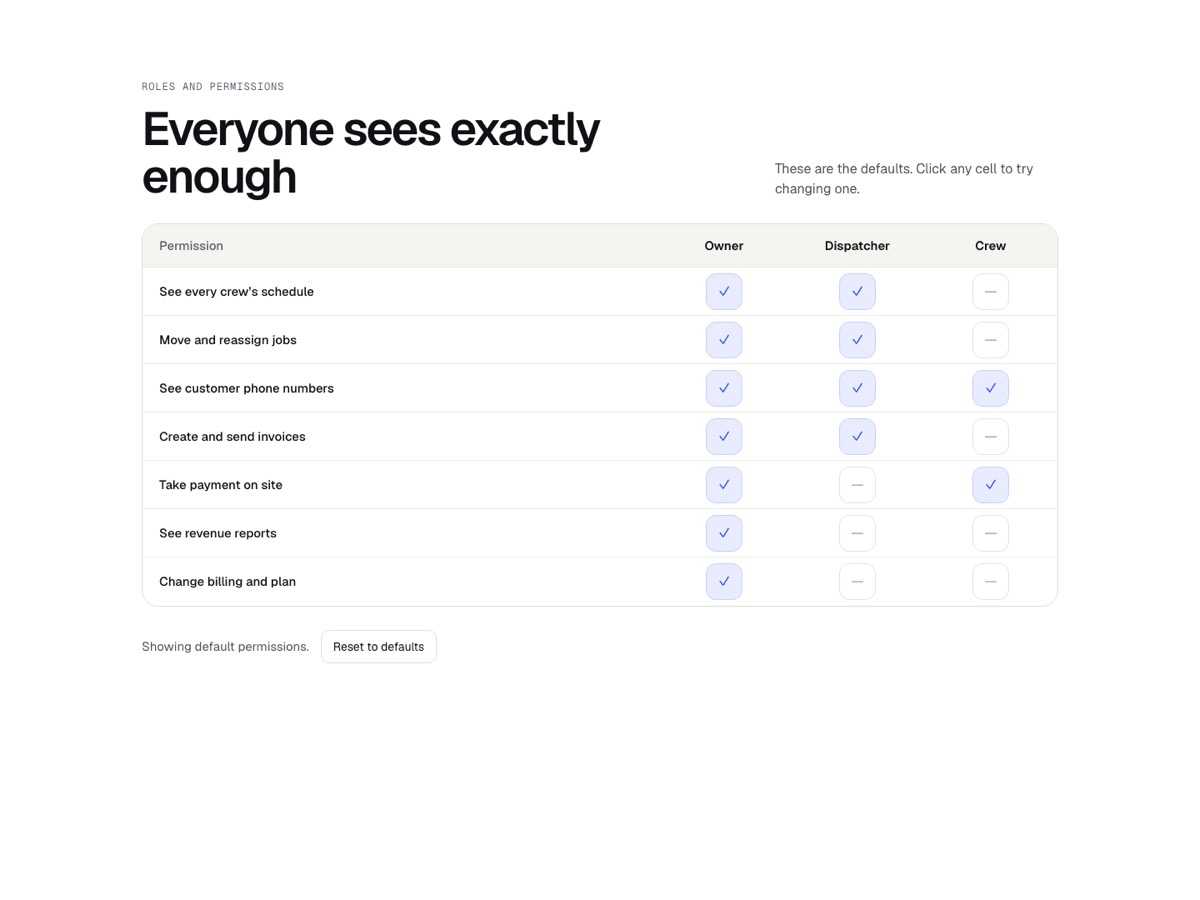
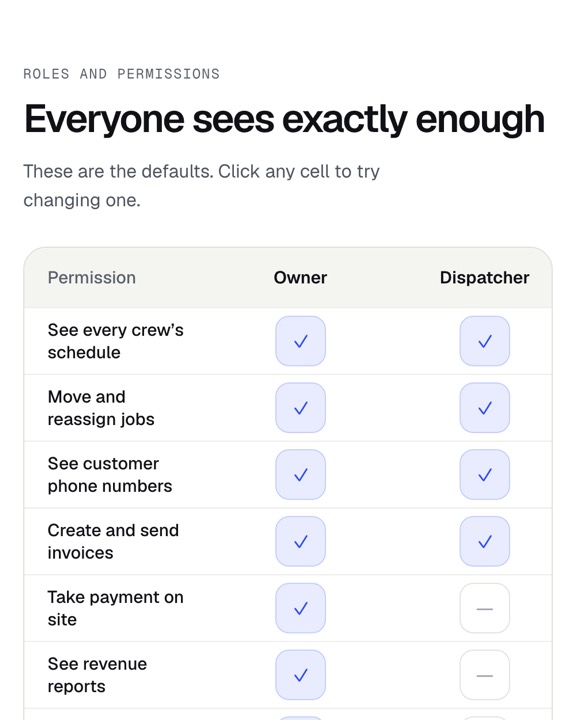
Trust / Permissions matrix
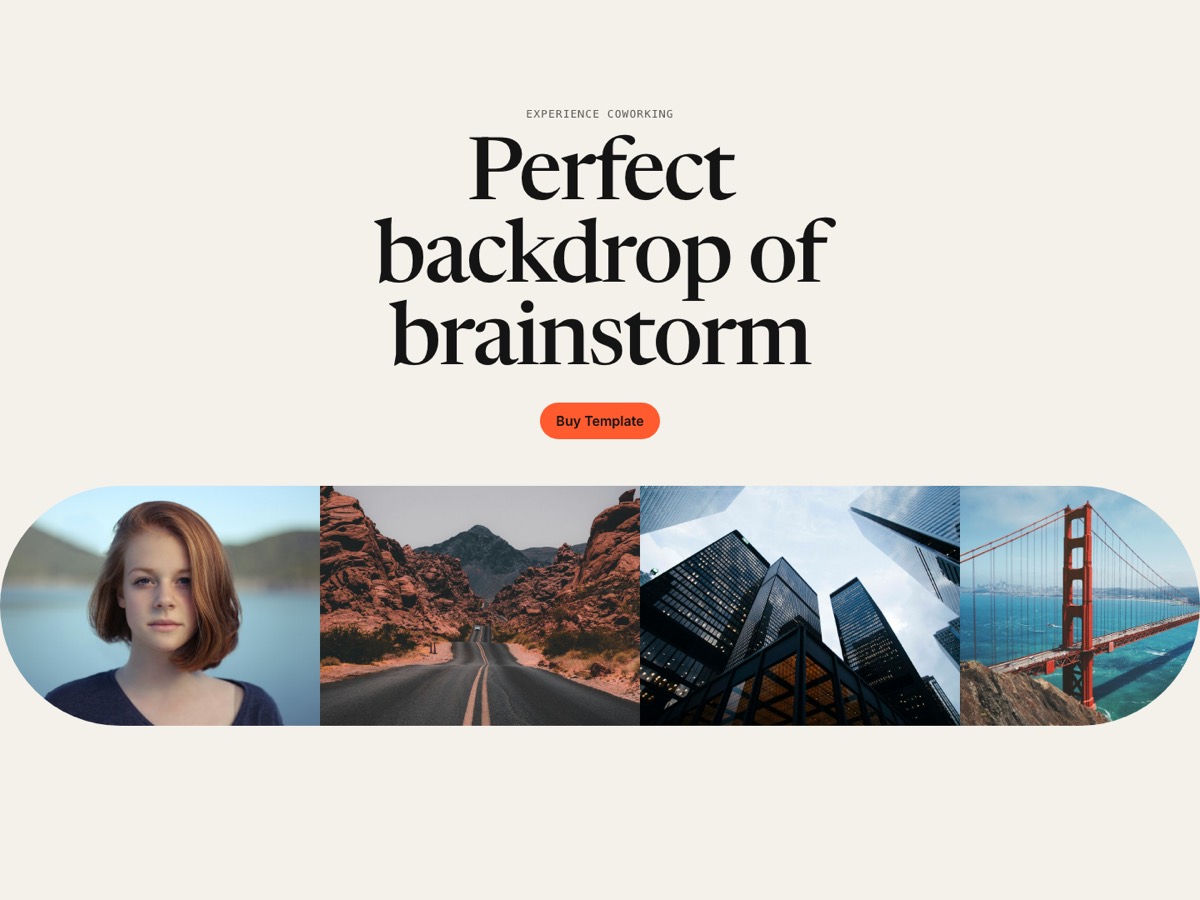
Hero / Curved marquee
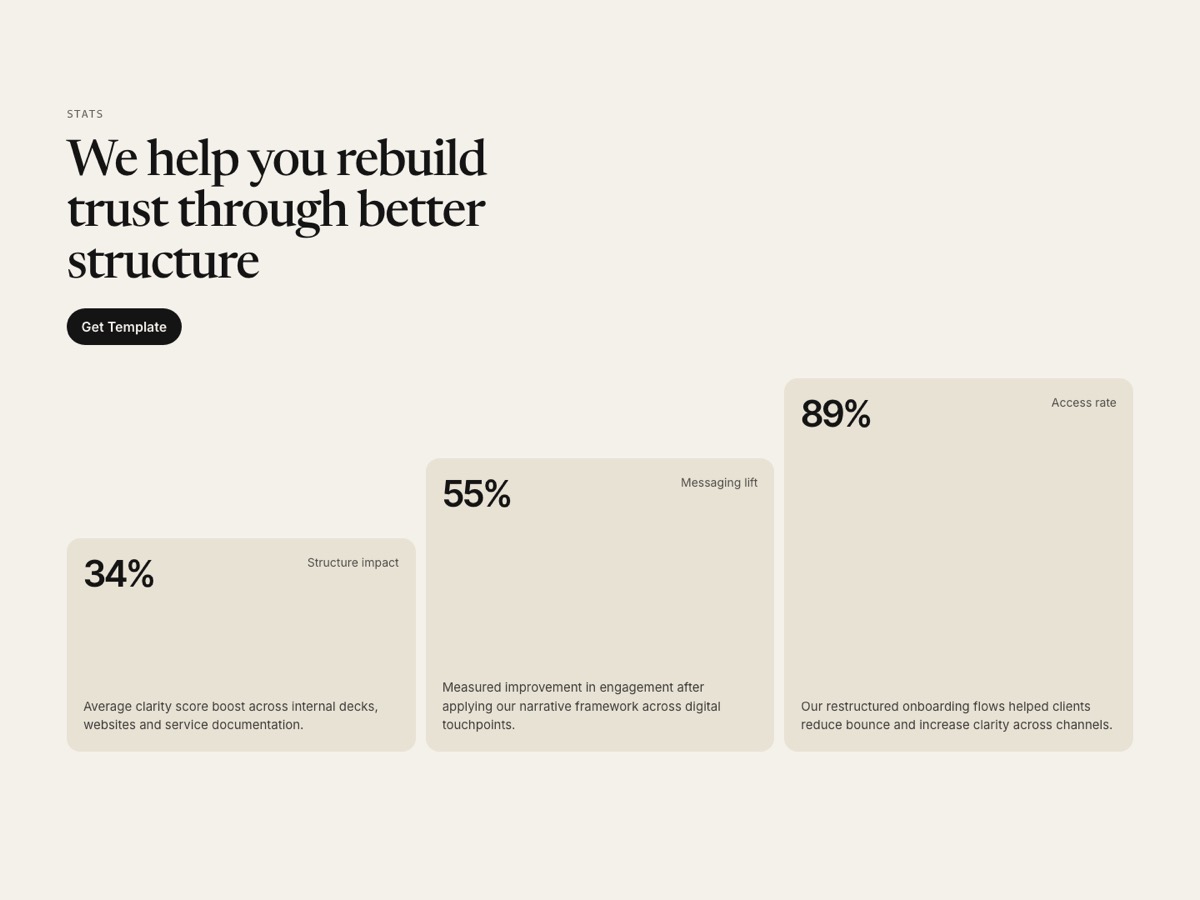
Stats / Rising cards
Same button. The class the site already has.
One button spec, pasted three ways. Click the card to see the next one.
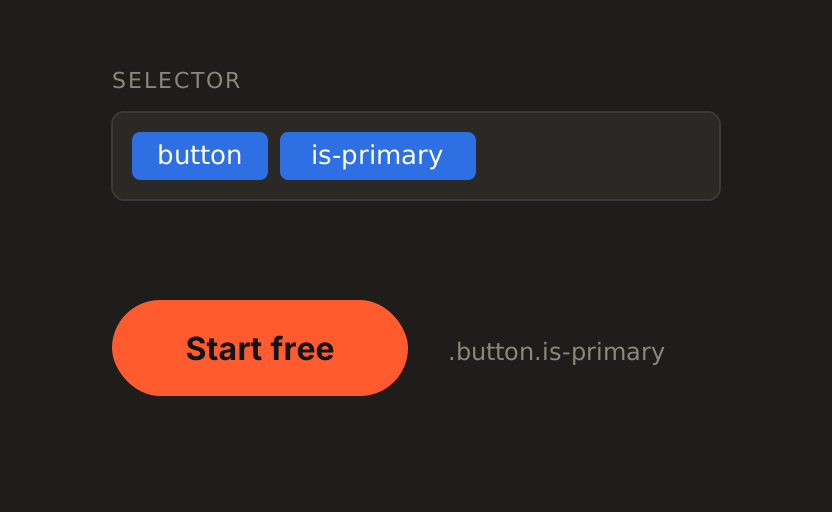
Client-First
button is-primary. The names a Finsweet site already uses.
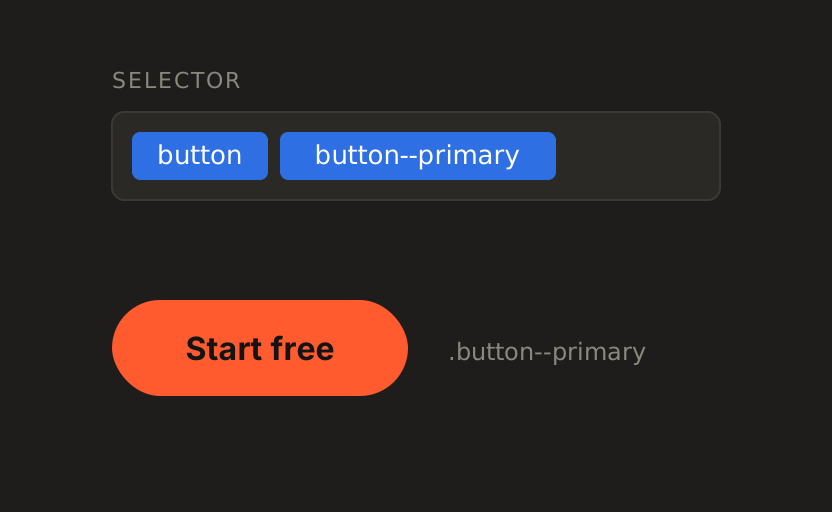
BEM
button button--primary. Block and modifier, the way a code team writes it.
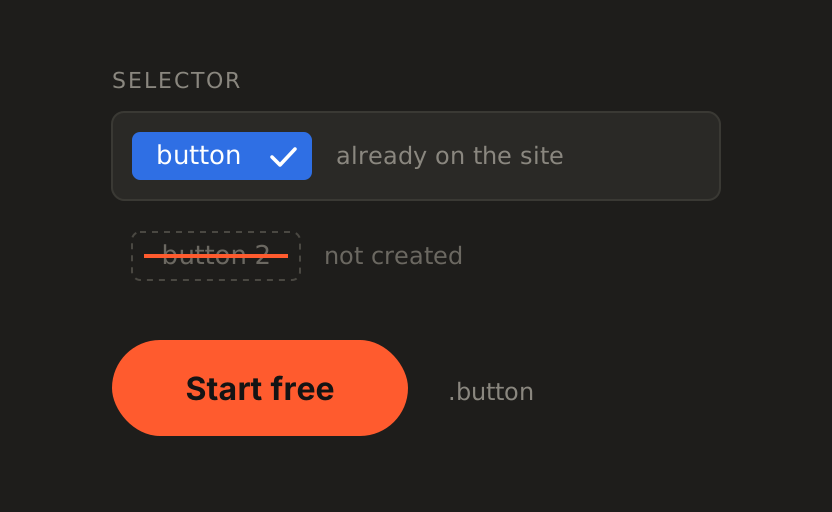
Class Sync
The site already has a class named button, so the paste uses it. Webflow does not get to name it button 2.
Pick it. Paste it.
One section from the gallery, three places it can land.
Pick a section
Every card in the gallery is visible. 20 sections copy free, in Client-First, with the Webflow paste.
Paste in Webflow
Copy to Webflow in a normal Chrome tab, then paste in the Designer. One footer snippet runs the motion.
Or build it in Figma
Copy for Figma, then paste into the Blokset plugin. It builds the component in the open file.
Or add it as code
blokset add hero-05 --target react. Typed props, the same motion, the class names the project already uses.